

Download Paper Just Paper – Free Real‑Paper Writing App
Overview
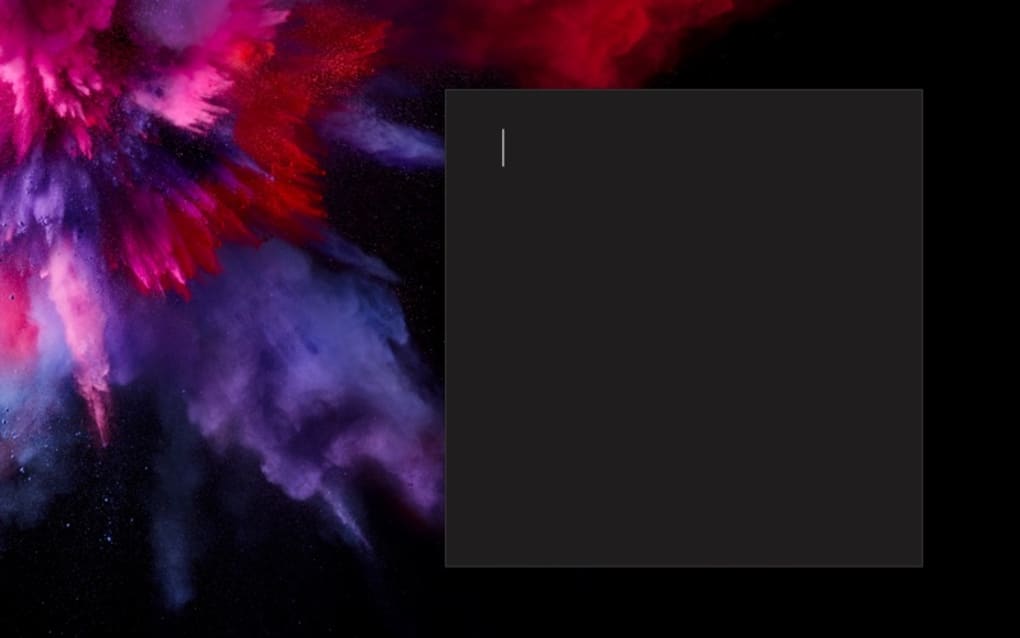
Paper Just Paper is a free writing application built to mimic the look, feel, and subtle quirks of traditional sheet‑paper on your screen. While most note‑taking tools focus on minimalism or heavy‑duty formatting, Paper Just Paper takes a different route: it recreates the tactile experience of typing on a real page, complete with realistic margins, line‑spacing options, and a “paper‑grain” background that changes with the time of day. The software targets students, writers, and anyone who loves the nostalgia of paper but wants the convenience of a digital workflow.
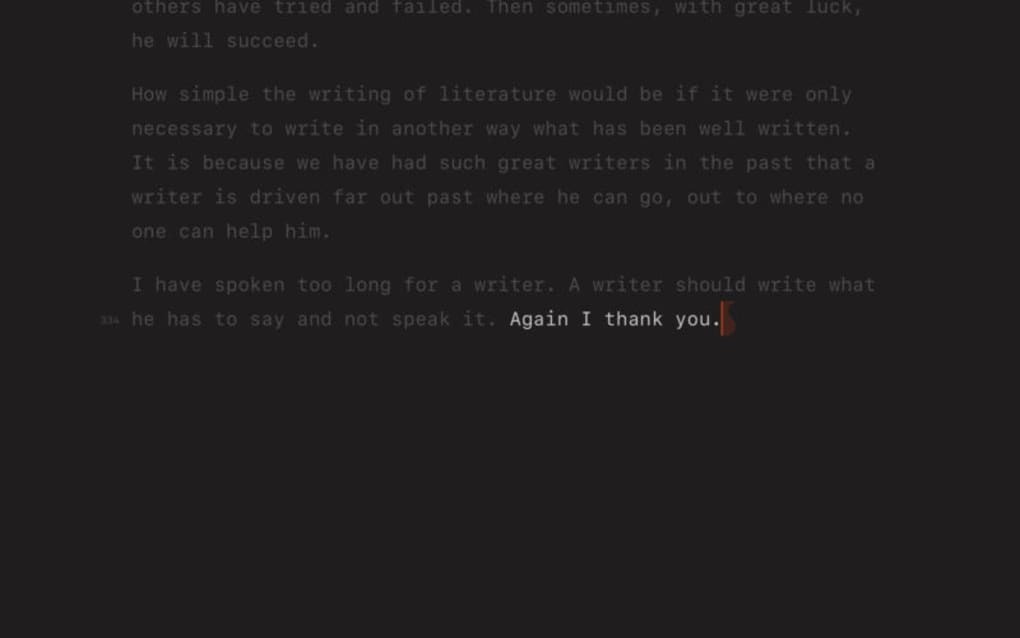
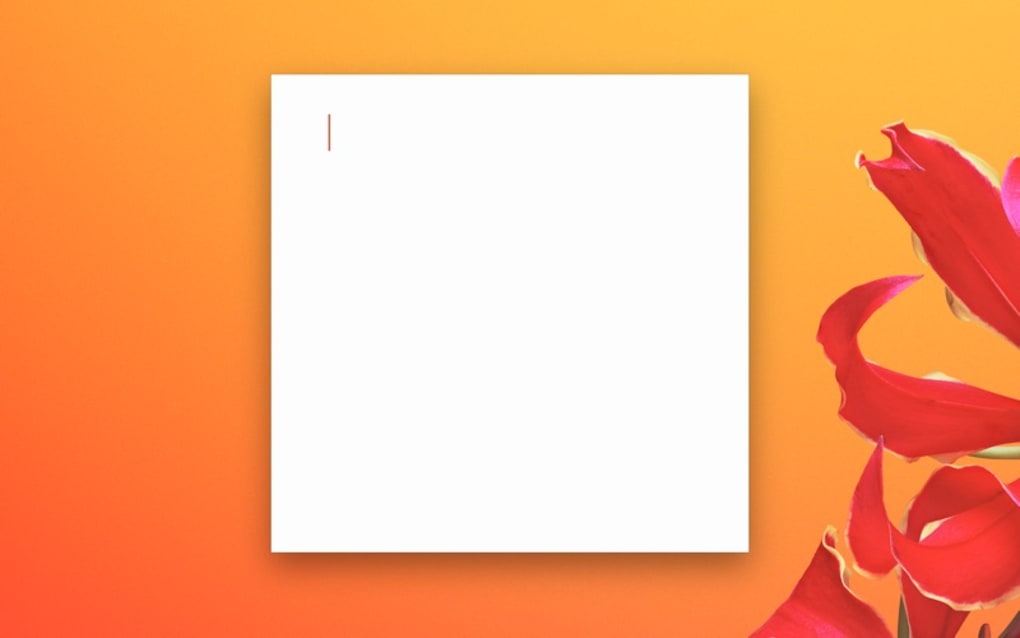
Its interface is intentionally simple – a clean white (or ivory) canvas, a classic toolbar that feels like a physical desk drawer, and a set of shortcuts that let you switch fonts, add headers, or insert hand‑drawn annotations with a single keystroke. Beyond the core experience, the app packs a massive amount of customization: you can choose from dozens of paper textures, toggle “ink‑blur” effects that simulate fountain‑pen smudges, and even set custom page‑turn sounds. The menu is feature‑rich yet unobtrusive, offering everything from auto‑save and cloud sync to export options for PDF, DOCX, and plain text.
In short, Paper Just Paper bridges the gap between analog comfort and digital efficiency, providing a secure, update‑ready environment that runs smoothly on the major operating systems.
Key Features & Customization Options
Paper Just Paper distinguishes itself through a combination of realistic rendering and deep personalization. The developers have spent countless hours fine‑tuning the visual fidelity so that each keystroke feels like it’s leaving a subtle imprint on a virtual page. Below is a curated list of the most compelling features that set this app apart from ordinary word processors.
- Real‑Paper Visual Engine: Dynamic paper textures that adapt to light conditions, with optional grain, water‑mark, and aged‑paper styles.
- Typing Feel Simulation: Adjustable “ink‑blur” and pressure sensitivity for stylus users, creating authentic pen‑and‑ink strokes.
- Extensive Font Library: Over 150 classic and modern typefaces, including monospaced, serif, and handwritten options.
- Page Layout Controls: Customizable margins, line spacing, header/footer templates, and multi‑column support.
- Writing Shortcuts: Keyboard combos for quick insertion of bullet lists, block quotes, footnotes, and citations.
- Cloud Sync & Backup: Automatic saving to Google Drive, Dropbox, or OneDrive, ensuring your work is always secure.
- Export Flexibility: One‑click conversion to PDF, DOCX, RTF, or plain text, preserving the paper‑style formatting.
- Annotation Toolkit: Hand‑drawn doodles, highlighters, and sticky notes that behave like physical marks on paper.
- Multi‑Device Support: Seamless transition between desktop, tablet, and smartphone, with synchronized settings.
- Free & Open Updates: Regular patches that improve rendering speed, add new textures, and fix security issues.
Each feature is designed to be toggleable, letting users start with a minimal view and gradually layer on complexity as they become comfortable. For example, the “ink‑blur” effect can be turned off for a crisp, typewriter‑like appearance, while the “paper‑turn” sound can be enabled to provide auditory feedback reminiscent of flipping through a notebook. The flexibility extends to the export process as well – you can retain the visual paper effect in PDFs for a polished presentation, or strip it away for a plain‑text manuscript ready for publishing pipelines. The combination of visual realism, robust formatting tools, and cross‑platform synchronization makes Paper Just Paper a unique contender in the free writing‑app market.
Installation, Usage & Compatibility
Getting started with Paper Just Paper is straightforward, whether you’re on Windows, macOS, Android, or iOS. The installer is lightweight (under 80 MB) and does not require administrative privileges on most systems. Follow these steps to download and configure the app:
- Visit the official website or the appropriate app store (Microsoft Store, Mac App Store, Google Play, or Apple App Store).
- Click the “Download Free” button; the installer will begin automatically.
- Run the installer and accept the standard license agreement. The setup wizard will ask whether you’d like to create a desktop shortcut and enable automatic updates.
- After installation, launch Paper Just Paper. The first‑time startup wizard guides you through selecting a default paper texture, setting up cloud sync, and choosing your preferred language.
- Begin a new document by clicking the “New Page” icon or using the shortcut Ctrl + N (Windows/Linux) or ⌘ + N (macOS).
Once inside the editor, the user interface feels instantly familiar. The top toolbar hosts the most used commands: font picker, margin adjuster, and a quick‑access panel for shortcuts. To switch paper textures, open the “Appearance” menu and select from the library; the change is applied in real time, allowing you to preview how your text looks on parchment versus lined notebook paper. For mobile users, a simplified toolbar appears at the bottom, with swipe gestures to change pages and a long‑press on the screen to invoke the annotation toolkit.
Compatibility: Paper Just Paper runs on Windows 10/11 (64‑bit), macOS 12 Monterey and later, Android 8.0 and up, and iOS 13 or newer. The app leverages native rendering engines on each platform, ensuring smooth scrolling and low latency typing even on older hardware. System requirements are modest: 2 GB RAM, 500 MB free disk space, and a GPU that supports OpenGL 2.1 or higher.
Security is handled through encrypted cloud sync (AES‑256) and regular patch updates that address any vulnerabilities. The app also respects user privacy – no telemetry is collected without explicit consent, and all documents remain stored locally unless you opt into cloud backup. In practice, users report that the program launches within two seconds and maintains a consistent 60 fps rendering rate, making the experience feel as natural as writing on a physical sheet of paper.
Pros, Cons, FAQ & Conclusion
Pros
- Highly realistic paper simulation that enhances focus and reduces eye strain.
- Extensive customization options for textures, fonts, and layout.
- Free to download with regular, secure updates.
- Cross‑platform compatibility and seamless cloud synchronization.
- Lightweight installer and low system requirements.
Cons
- Advanced visual effects may slightly impact performance on very old devices.
- No built‑in collaboration (real‑time editing) feature.
- Export options are limited to standard document formats; no direct publishing to blog platforms.
Frequently Asked Questions
Is Paper Just Paper really free?
Yes, the core application is completely free. Optional premium textures may be added via in‑app purchases, but all essential features remain available at no cost.
Can I sync my documents across multiple devices?
Absolutely. Paper Just Paper integrates with Google Drive, Dropbox, and OneDrive, allowing you to access the same files on Windows, macOS, Android, and iOS.
Does the app work offline?
Yes, all editing functions are available offline. Cloud sync occurs automatically once you reconnect to the internet.
How secure is my data when using cloud sync?
Data is encrypted with AES‑256 during transfer and at rest. The app does not collect personal usage data unless you enable optional analytics.
Can I export my work with the paper texture intact?
Yes, the PDF export preserves all visual styling, including paper grain, ink blur, and annotations, so the final file looks exactly like the on‑screen document.
Conclusion & Call‑to‑Action
Paper Just Paper succeeds where most digital writing tools fall short: it delivers a tactile, paper‑like environment without sacrificing the convenience of modern software. Its free pricing model, robust feature set, and cross‑platform availability make it an excellent choice for students drafting lecture notes, authors outlining novels, or professionals who prefer a minimalist yet expressive workspace. While power users might miss collaborative editing, the app’s focus on a distraction‑free experience compensates with a calming visual design that can improve concentration and reduce digital fatigue.
If you’ve been searching for a tool that brings the comfort of a physical notebook to your screen, give Paper Just Paper a try. Click the download button below to install the latest version, enable cloud sync, and start writing on a virtual sheet that feels as real as the one on your desk.
Download Paper Just Paper for Free
Paper Just Paper offers an impressively realistic writing experience with a generous set of customization tools. Its free model and reliable cloud sync make it a top pick for anyone who loves the feel of paper but needs the flexibility of digital documents.







